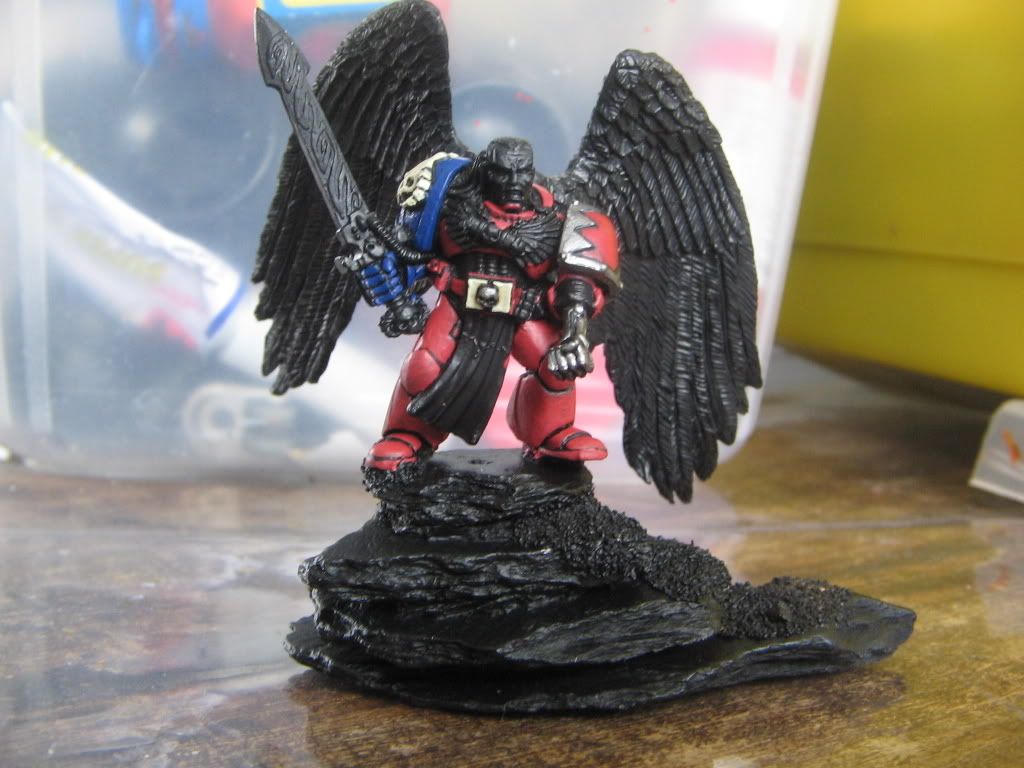
Beef:
I obviously edited your post to add the direct link. I don't know why you are having trouble.
Step 1: Start a new post.
Step 2: Above the text box where you type in the text there is a 'button' that looks like a mountain with a sun over it. This is the insert picture button. Click on this button when you want to insert a picture into your post.
Step 3: When you click on the 'insert picture' button a little pop-up window appears that prompts you to enter the URL for the picture you want to insert into your post. Use the "URL link" address from Photobucket. This is the address that starts with "http" and ends with "jpg" (or whatever file type your image is). You do not want to use the photobucket address that has any brackets at the beginning or end or the one that has [ IMG ] at the start and end.
Step 4: Once you've entered the address into the pop-up window, hit 'OK' and the pop-up window will close and your picture will appear in your text box along with your text. If you don't see your picture right then and there you will not be seeing it once you submit the post.
Seriously, it ain't rocket science. If you still can't figure it out let me know and I'll try creating a little visual tutorial for you.