Hi everyone,
I've been painting up some of my Hell Divers, and I decided to do a "Gem" effect on the visor.
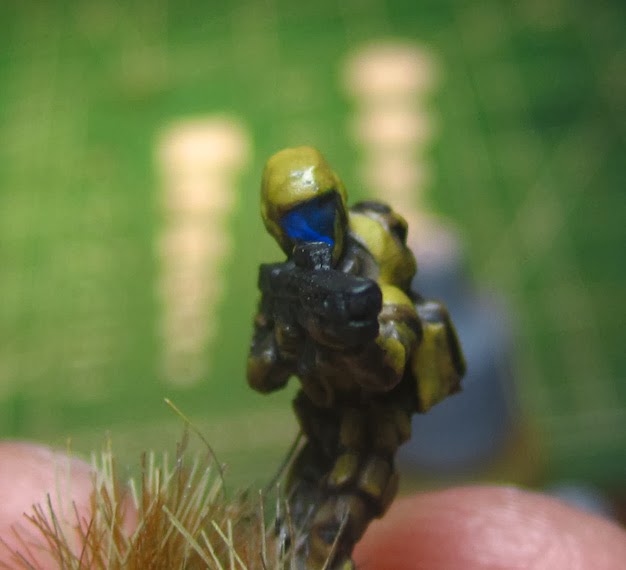
Here is an example of two painted visors:
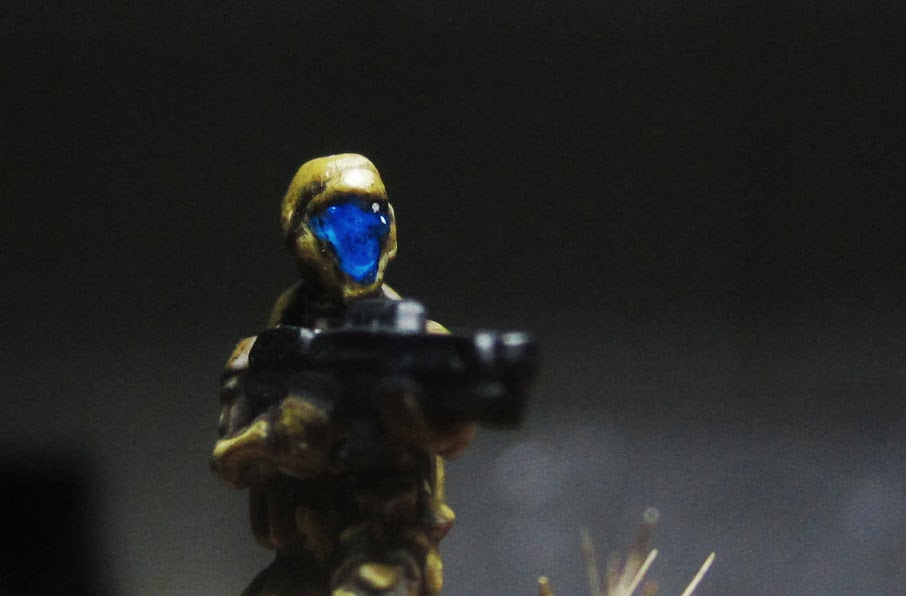
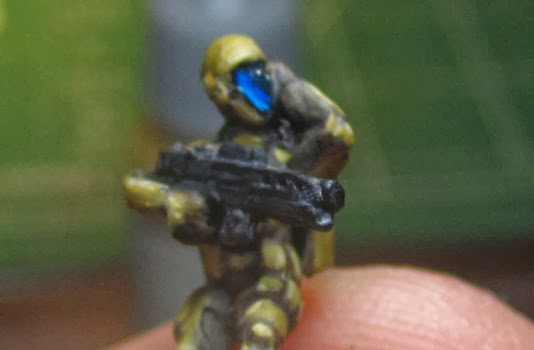
I start with a dark blue, almost black as the base (mixing the base blue and black):
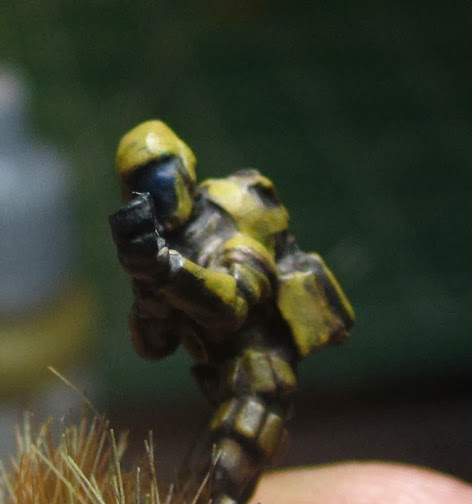
Then, highlighting from "bottom to top" I paint the base blue in the bottom and left corners:
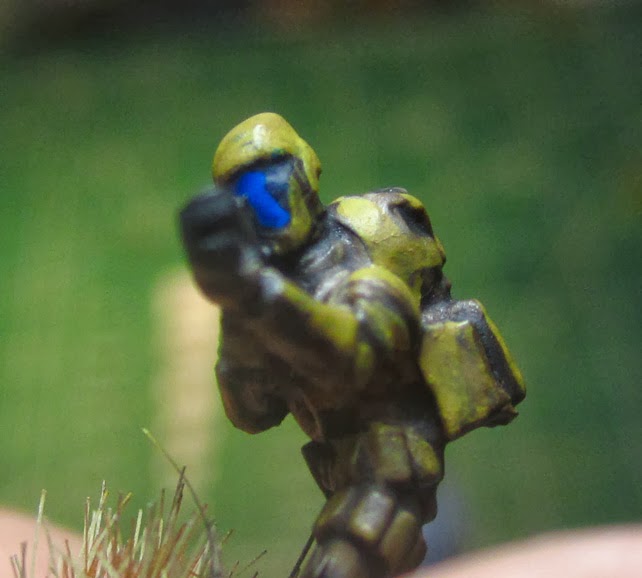
An example of what my palette looks like:
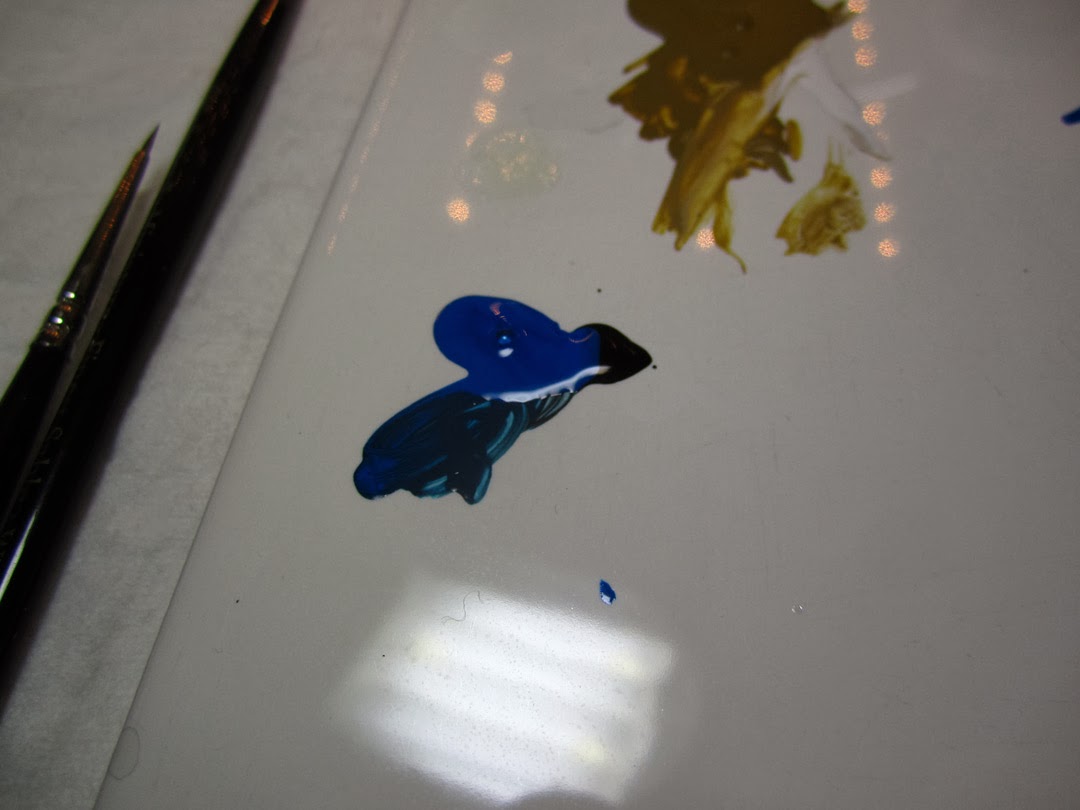
Next, I add a bit of white, and then do a thin line (about half of the base blue width) along the left edge. If you do too much, you can black line it, or use a wash (like Army Painter Dark Tone) to get the black outline around the visor again.
What my palette looks like after adding white:
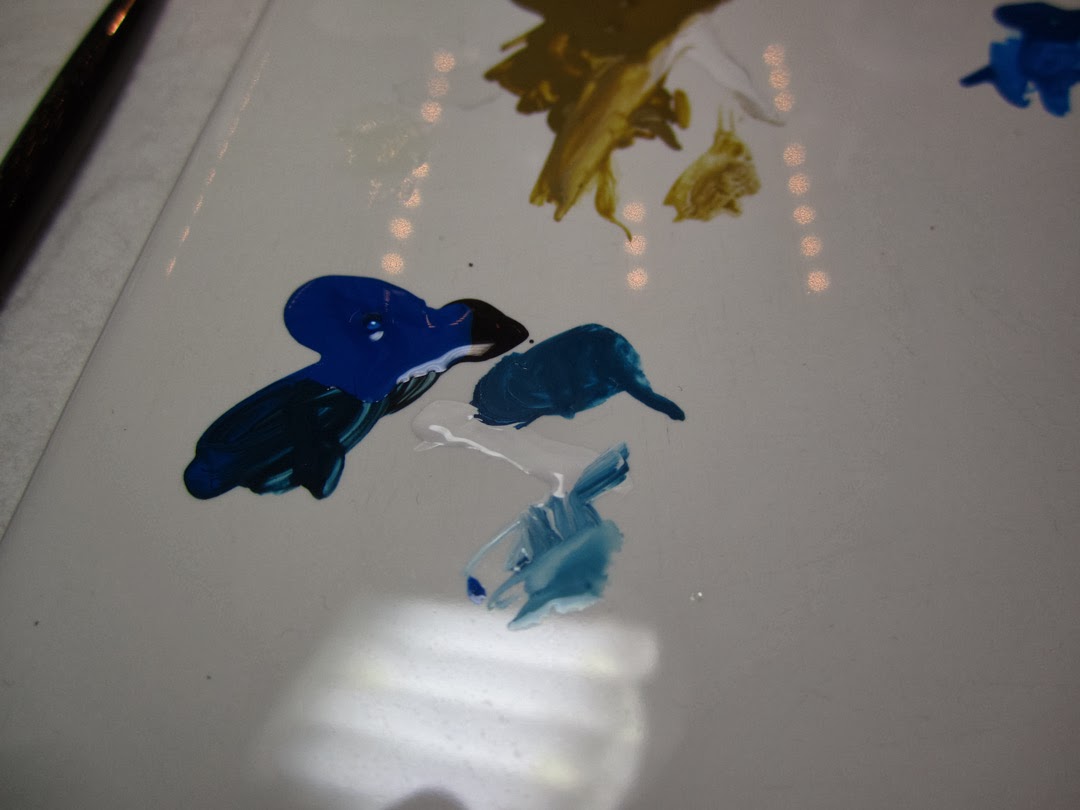
Adding a bit more white gives me a very light blue color, and I add that as thin as I can to the lower left edge:
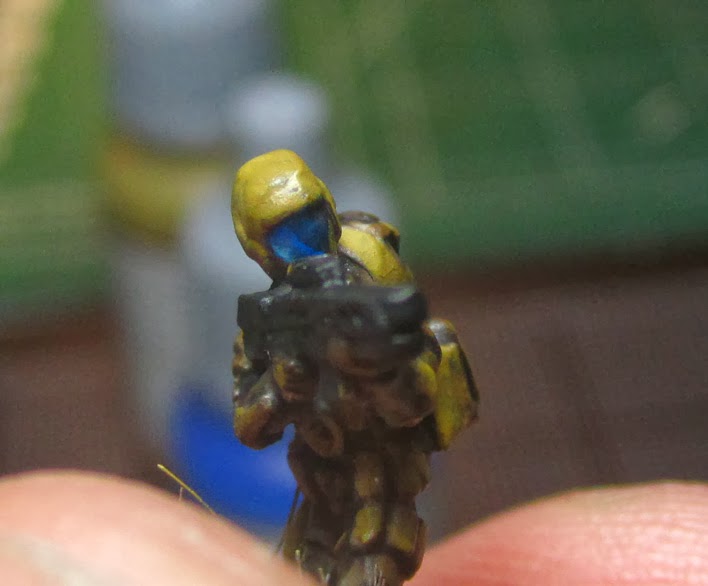
After that, I add two dots of white to the upper right part. This usually takes me two or three tries to get it nice and round and where I want. If you need to go over it just mix a bit of your base with black to get the color back so you can try the white dot again:
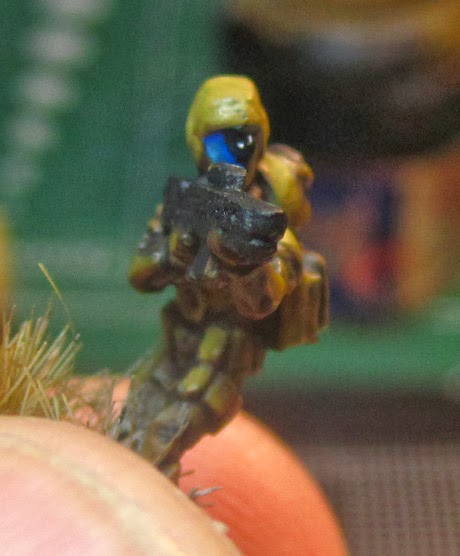
After that I will add a gloss coat to make it even shinier, since in 15mm I find that it really helps add a focal point to the face.
And here is a picture from the side:
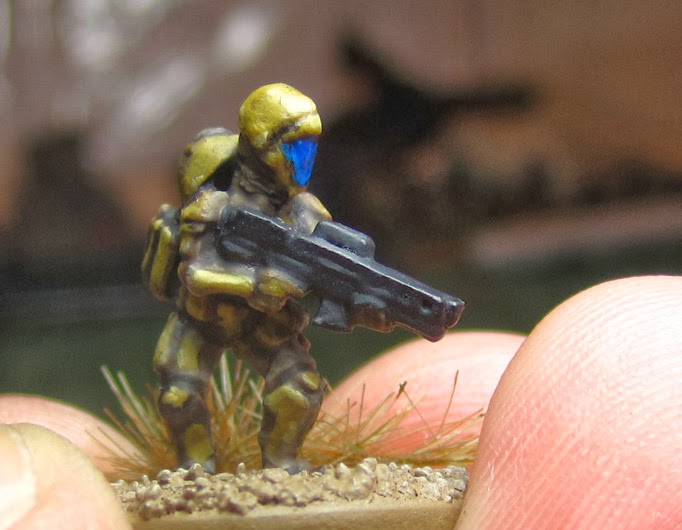
I originally tried red, but it made them look a bit too like evil henchmen (Cobra!!), so I'm very happy with the blue, works well with the khaki scheme too.
Thanks!
More on my blog:
http://clearhorizonsalvage.blogspot.com/2013/10/gem-effect-tutorial-painting-15mm.html


 _--_--_--_~1750pts
  _--_--_--_~1000pts
  _--_--_--_~1300pts
  _--_--_--_~750pts
  _--_--_--_~2000pts