Switch Theme:

how do I show pictures in a paint and model thread  [RSS] Share on facebook Share on Twitter Submit to Reddit
»
Author Message
Advert


Forum adverts like this one are shown to any user who is not logged in. Join us by filling out a tiny 3 field form and you will get your own, free, dakka user account which gives a good range of benefits to you:
  • No adverts like this in the forums anymore.
  • Times and dates in your local timezone.
  • Full tracking of what you have read so you can skip to your first unread post, easily see what has changed since you last logged in, and easily see what is new at a glance.
  • Email notifications for threads you want to watch closely.
  • Being a part of the oldest wargaming community on the net.
If you are already a member then feel free to login now.


Made in gb
Chosen Baal Sec Youngblood


Beverley, England

I have loaded some pictures and managed to create a gallery, so far so good. But I dont know how to get the pictures on to a painting and modeling thread.

is there a quick easy guide, I have tried several searches, with no luck.

I am probably missing something obvious.

Thank you

For the Emperor and Sanguinus

[URL=http://www.nodiatis.com/personality.htm][/U6RL]
 
   
Made in lu
Witch Hunter in the Shadows


Earth

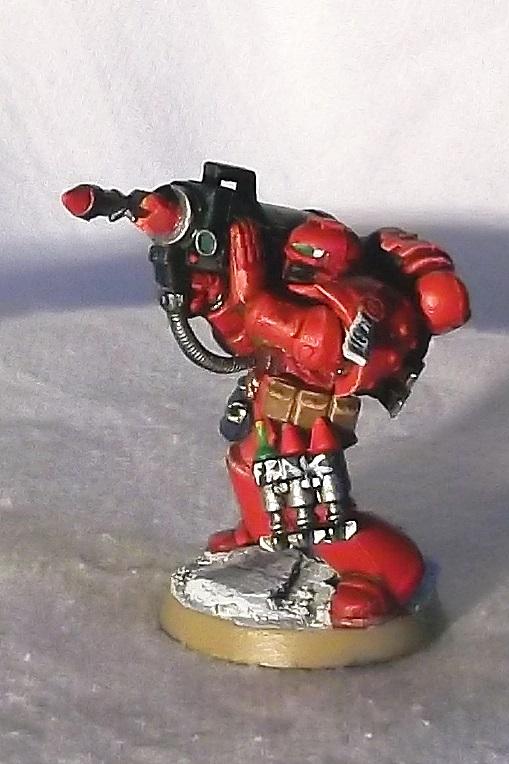
Just go to the picture you want to include. Say this one. Scroll down to where it says Forums: and just copy the code and paste it into the post box. You can select the size you want in the drop down menu above where it says Forums. This one is just the medium size:


Made in us
Smokin' Skorcha Driver


Hello and welcome to dakka dakka!

Waaaaaaaaaaaagh!


Made in us
Decrepit Dakkanaut


The Golden Throne

Greetings! Welcome to Dakka Dakka!
   
 
Forum Index » Introductions
Go to: