| Author |
Message |
 |
|
|
|
|
Advert
|
Forum adverts like this one are shown to any user who is not logged in. Join us by filling out a tiny 3 field form and you will get your own, free, dakka user account which gives a good range of benefits to you:
- No adverts like this in the forums anymore.
- Times and dates in your local timezone.
- Full tracking of what you have read so you can skip to your first unread post, easily see what has changed since you last logged in, and easily see what is new at a glance.
- Email notifications for threads you want to watch closely.
- Being a part of the oldest wargaming community on the net.
If you are already a member then feel free to login now. |
|
 |
2016/09/06 22:04:52
Subject: Playing with the Technical Paints...
|
|

Dakka Veteran
|
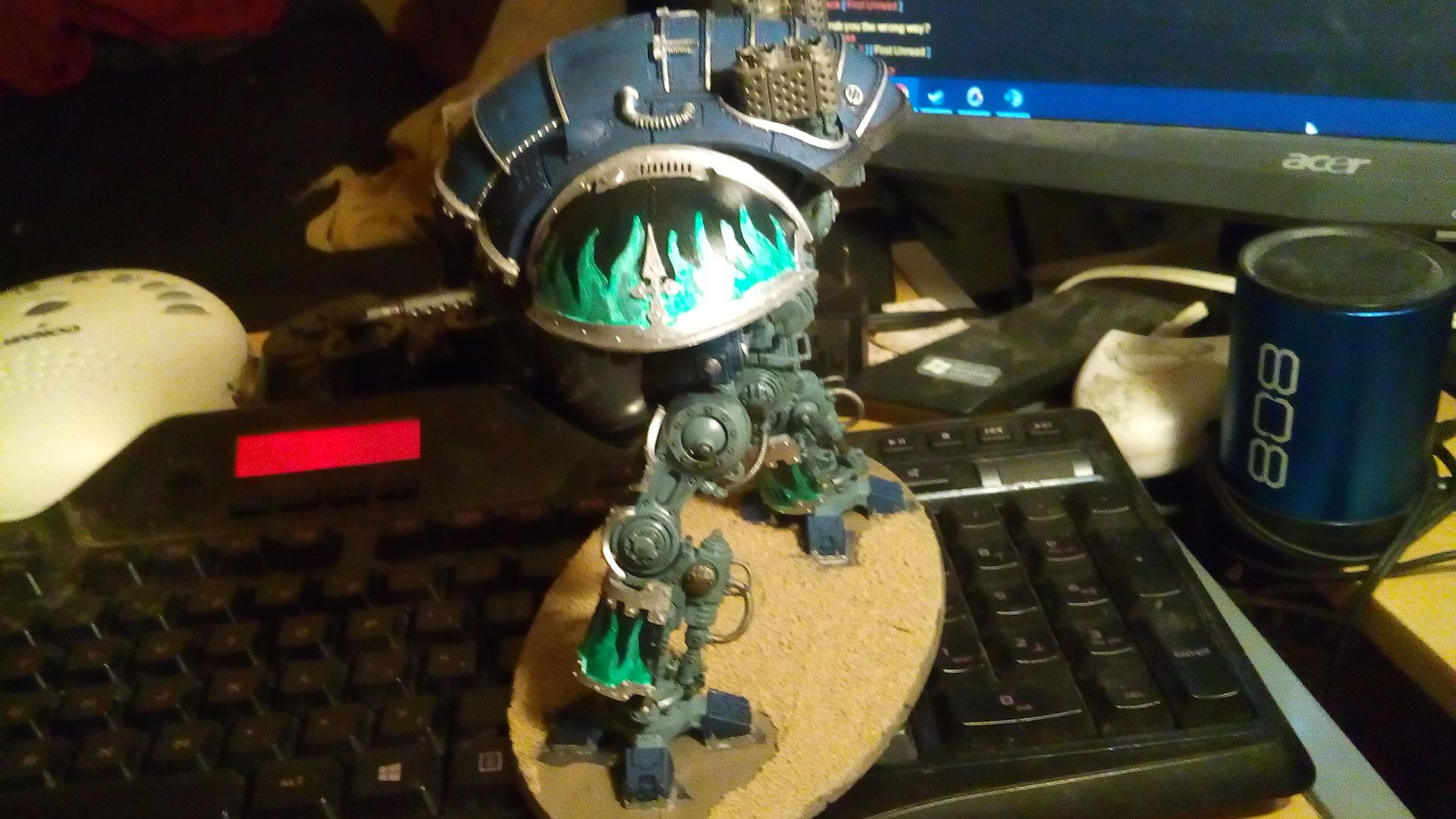
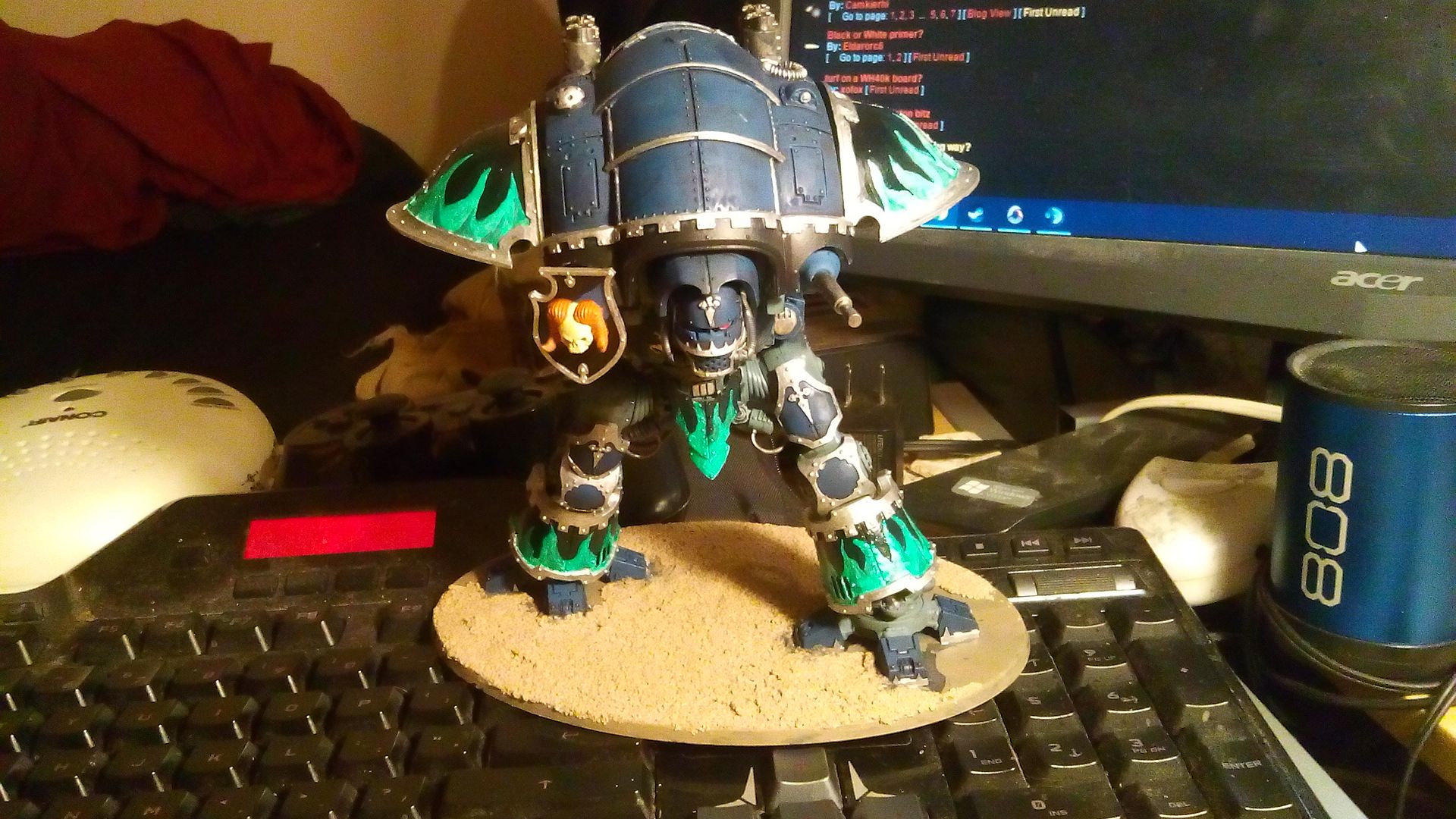
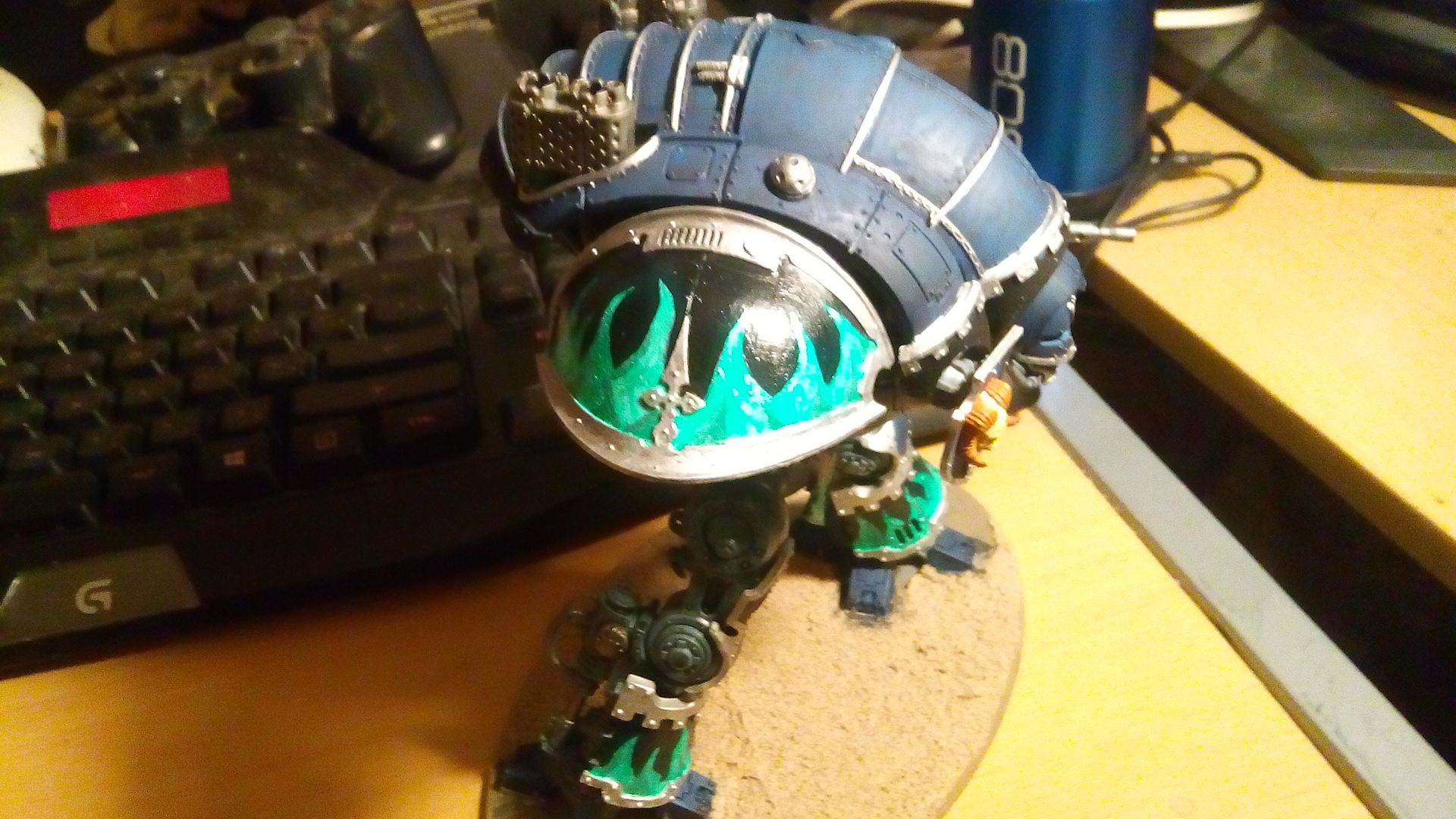
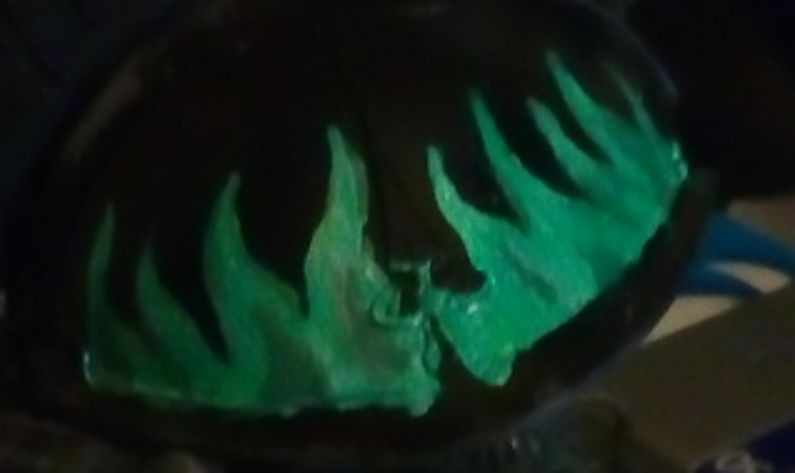
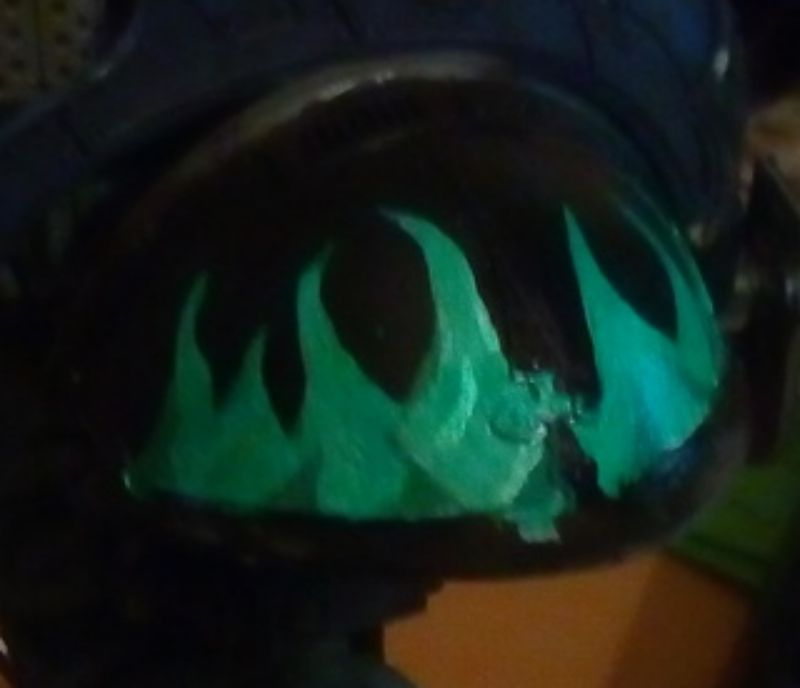
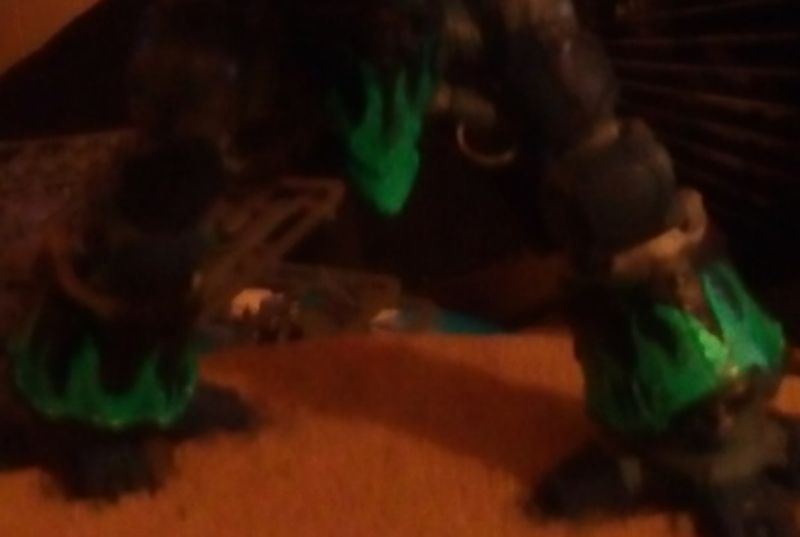
Alright. So, here's a few pictures of the project I did today. I started off with a prototype paint job on the bottom of a base to see if the whole idea worked, and I liked the outcome.
So what did I do here? Black basecoat. I then started with Ceramite White, because it's a nice paint to work with for me. I did the flames in basic, then took a black paint to trim them in. I added highlights with Iridescent Pearl paint on the flames. Next, I took Vallejo 905 Light Blue Grey and did some shades for depth. Iced the LBG with some Runefang highlights, and then came the final coat, a smoothly brushed on application of Waystone Green. I think they came out with a beautiful ghostly look, but here's the pictures, see for yourselves. C&C always welcome.
|
|
|
 |
|
2016/09/07 02:07:58
Subject: Playing with the Technical Paints...
|
|

Blood-Raging Khorne Berserker
|
I have no doubt that you've got something nice here, but none of us can really see it with the quality of pictures you have.
Place a black cloth, or white cloth/paper behind and under your model, so it fills the space behind the model entirely in the frame of your camera. Make sure it's one single piece of cloth or paper. Then, shut off all the lights in the room. I mean completely dark, no light at all. Then take a photo with the flash on. It's not a professional setup, but it will certainly help with getting a more clear picture, this way we can all see what you've got going on.
|
|
|
|
|
2016/09/07 03:54:18
Subject: Playing with the Technical Paints...
|
|
Sagitarius with a Big F'in Gun
Boca Raton, FL
|
 Bi'ios wrote: Bi'ios wrote:I have no doubt that you've got something nice here, but none of us can really see it with the quality of pictures you have.
Place a black cloth, or white cloth/paper behind and under your model, so it fills the space behind the model entirely in the frame of your camera. Make sure it's one single piece of cloth or paper. Then, shut off all the lights in the room. I mean completely dark, no light at all. Then take a photo with the flash on. It's not a professional setup, but it will certainly help with getting a more clear picture, this way we can all see what you've got going on.
 If you have a lamp you use when you're painting, you can try using it to work with the lighting to get the pic a little brighter. In my experience (and very possibly due to my crappy cell phone), flash tends to distort colors and particularly highlights on models.
Looks very cool from what I can see though. Would love to see some sharper pics. 
|
|
|
|
|
2016/09/07 04:39:23
Subject: Playing with the Technical Paints...
|
|
Dakka Veteran
|
|
|
|
|
|
2016/09/07 05:43:20
Subject: Playing with the Technical Paints...
|
|
Incorporating Wet-Blending
|
What did you think of the technical paints?
I think you either need a subdued paint scheme (like the matte blue) or something crazygonuts with the green flames: https://www.google.com/search?q=green+flames&espv=2&biw=1920&bih=1017&tbm=isch&tbo=u&source=univ&sa=X&ved=0ahUKEwir9oyUxvzOAhUJx2MKHdHYCuIQsAQIGw
|
|
|
|
|
|
2016/09/07 05:58:22
Subject: Playing with the Technical Paints...
|
|
Dakka Veteran
|
I've played with the Gemstone paints, and they come out rather well in my opinion. I started with a test shot on the underside of a small oval base just to avoid committing to the Knight.
It looks odd with the duality at current, I know, but it's a part of the theme.. I've got Five knights in the pipeline, all of them with a similar bit for their individual markings. I tried Anarchy's Dragon Scale stencils, but the surfaces were too complex for a good application.. so I fell back to the idea of some Freehand.
|
|
|
|
|
2016/09/07 20:15:15
Subject: Re:Playing with the Technical Paints...
|
|
Sagitarius with a Big F'in Gun
Boca Raton, FL
|
Thanks for the clearer photos, now we can see what you're working on!
Great work. My only critique which I think was mentioned already is on your color scheme. I think those awesome green flames clash with that matted Ultramarine blue. Not sure where you're going with it, but keep posting your WIP pics as you progress and maybe I'll get on board with the color scheme if I see some more advancements on this, however the technical painting work is great! Slightly thickly applied, but aside from that, sharp lines and very little tidying to be done, very well done! VERY unfortunate that iridescent paint doesn't translate in the photos. Would love to see the effect in person.
|
|
|
|
|
2016/09/07 22:00:57
Subject: Playing with the Technical Paints...
|
|
Dakka Veteran
|
Yeah, the photos just don't show it very well.. I used it as highlights on the white sections of the flames to give it a bit more life. I used Runefang on the grey for similar effect before I laid on the Waystone Green. I covered even the black because of its gloss effect.
I think it'll make a bit more sense as I expand the household.. the blue is house colours, the shoulders, greaves and gut plates are for unit-specific embellishments. The blue is actually darker than standard Ultramarine, it's Prussian blue that I washed with Drakenhof Nightshade. I still have to put on the grip rails and such..
|
|
|
|
|
2016/09/08 23:15:22
Subject: Playing with the Technical Paints...
|
|
Dakka Veteran
|
Amusingly, looking at the First pics of the flame effect, the lighting is muted enough that on the shoulder pad shots you can see some of the Pearl highlights under the green coat. Little lines of pearl and runefang to give it a bit of depth at certain angles.
Alas, I'm stuck in a situation. I've got my second Knight ready for the unit markings.. and I'm stuck on an idea. I'm going with an environmental effects theme.
Originally the five were going to be the Chromatic Dragons - White, Black, Blue, Red and Green... and the other knight is the Green. Black and Green are the more chemical effects.. Black being Acid and Green being Toxic Poison.. but I'm at a loss.
The base colour under these is VMC 890 - Reflective Green. It's a dark, muted green that isn't very reflective at all. The shoulder pads are the Forgeworld Questoris pads, so their open surface area is a bit broken up.
Green flames worked on the Black, because Chlorine is one of those chemicals that burns a real wicked shade of green, and Chlorine is core to one of the more potent acids out there.
The Green base leaves me at a loss. I'm not going to do Red effects, because it really mauls the green, and for ease I coat the whole pad with the gemstone paint to avoid having to come back and trim it all in and such.
One of the ideas I had was Lightning for a sake of using more of the shoulderpad space for the effect. Be it blue or green, though I think blue is more in mind. I took a test-plate.. the same base underside I tested my flames on, and laid the green all over it so I could experiment and see how the Gemstone effects play with the green.
Green goes without saying, it kinda blends onto it, and gives it a slightly more vibrant colour, which has its merits.
Blue darkens it, but doesn't completely eradicate the green colour. This could have some play on its own, if I were to play with some interference paints I have as well.
Of course, another paint I was looking to play with is Nihilakh Oxide. If I did an acidic/toxic effect, the Oxide could be used to give it some additional effect.
Essentially, I'm looking for ideas to play with. I have the Resin parts in the mail for the third Knight, which will be the Red, and a Chaos Knight at the core. Of course, the key for that will be getting a second shield for the Thermal Cannon.. part of me wants to make it a Melta King, with double Thermals and the Melta Shoulder Weapon.
The Red, I'm thinking I might look at doing a magma effect.. there's going to be a lot to play with on that model though.
|
|
|
|
|
|
|
|