 AtomicEngineer wrote:
I think it still lacks character though, it feels a little bland.
...
BRIGHT COLOURS EVERYWHERE!!! MUHAHAHA...
Sorry got a little carried away there..

If you want it to look brighter, you need to start with a more pure red. Unless it's your camera playing tricks, you have a dull red to start with, which doesn't look bad per say, but it's hard to get the eye popping contrast with dull base colour. You need more saturation.
Go here:
http://www.colorschemer.com/online.html For R,G,B, type in 110, 60, 70 respectively and click "Set RGB". That's basically the colour I got off your images and you can see it's quite a dull colour (and the site is suggesting dull colours to go with it!).
For a pure red, type in 255, 0, 0. If you want a real bright scheme, you need to be starting with reds that look like that (colours like
GW's Blood Red). If that's too bright, type in 128, 0, 0. You can see that's a much darker red, but still a very pure red, so if you place another colour next to it, you'll get that bright contrast you seem to be looking to get (at least that's what I think you want from what you've said!).
So when looking to buy colours to paint those bright schemes, look for colours that are more saturated reds, greens, yellows, blues (like the colour palette you get by typing in 255, 0, 0).
Things like brown or black washes tend to reduce saturation, as does drybrushing pale colours. This is often what people want when painting miniatures because it makes models look a bit grittier and dirtier. To bring saturation back, use coloured washes rather than brown/black washes and use bright glazes to bring back saturation if you've gone too pale with highlights/drybrushes.
Also black undercoats aren't conducive to having bright schemes, you can definitely get a bright scheme with a black undercoat, but it's easier if you start with a white
IMO (depends on your painting technique though, I'm sure some people will disagree with that!).




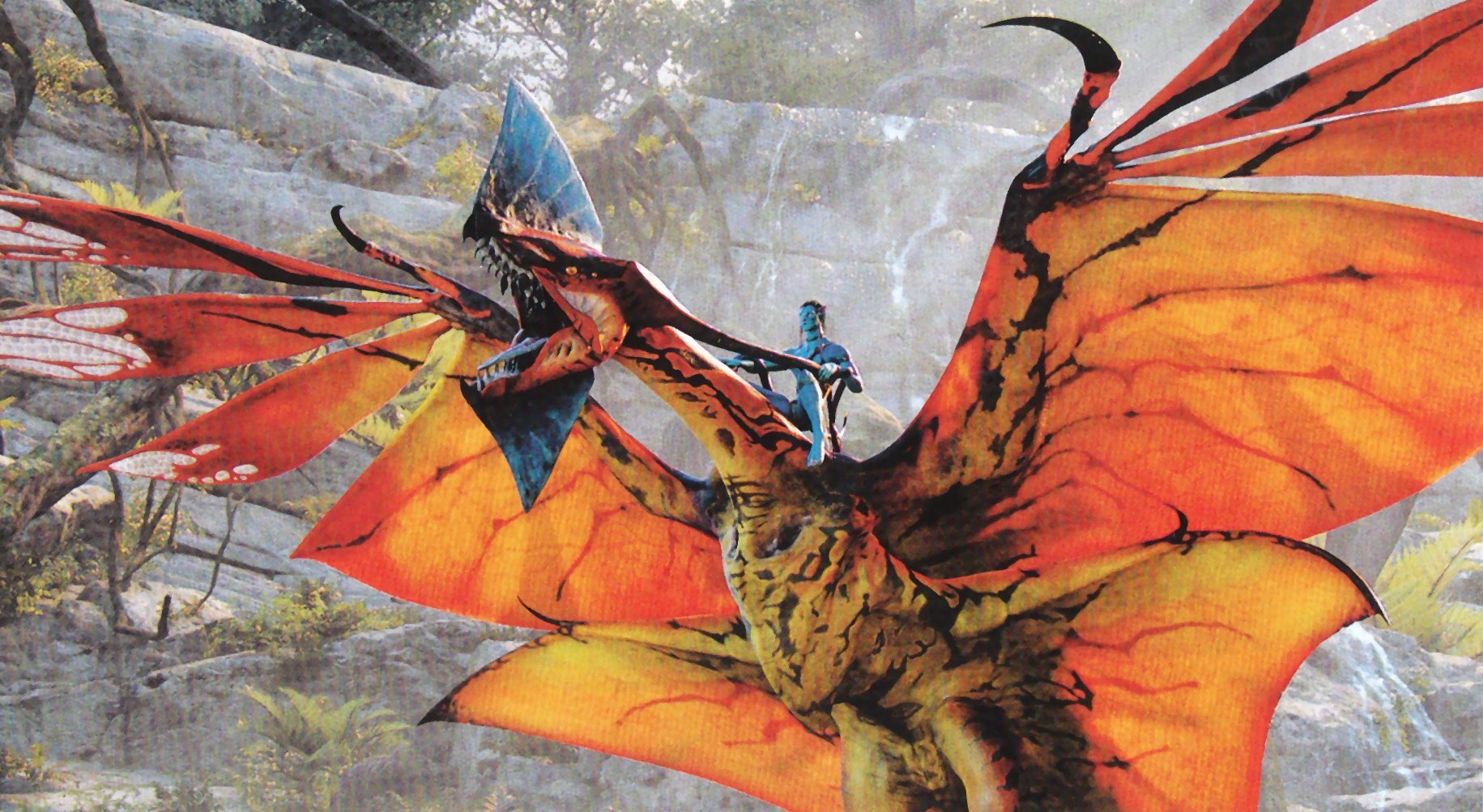


 either go darker and use another colour to get your pop, or go brighter to make the red itself pop).


