I do intend to put together a full .PDF for an IF assault marine from start to finish, so this is just a temporary thing. I see the questions asked a lot, so thought this may help.
You will need:
A sharp knife. REALLY SHARP.
A pair of good quality scissors.
A pair of really good tweezers. Mine are swiss jewellers' tweezers that I inherited from my late father. They're older than me, and will most likely survive me into the service of one of my kids.
Microsol.
Microset.
A wet pallette (without parchment) - a sponge in a tub of water is ideal.
A soft brush - a used (clean) drybrush is great.
Gloss varnish (as a seal)
Matt varnish (to finish)

Step 0: Gloss the mini! This is important, you need a flat, smooth surface for the decal to sit on. Matt surfaces have a roughness to them that will trap air under the decal, causing it to silver. You don't want this.
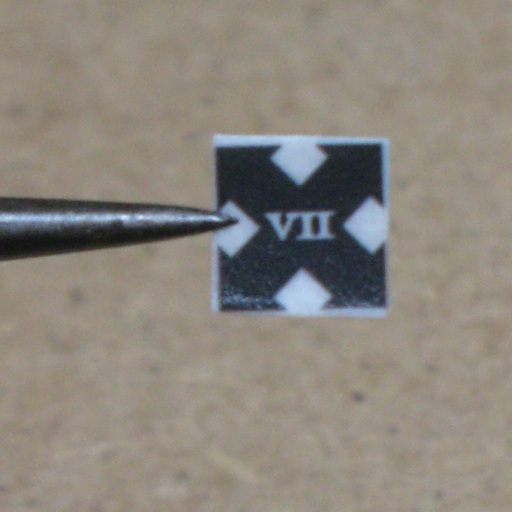
Step 1: Trim the decal you're going to apply as close as possible to the printed area. You may want to leave a little bit of film to act as a 'handle' for pulling the decal around if the decal has a lot of printed area on it.
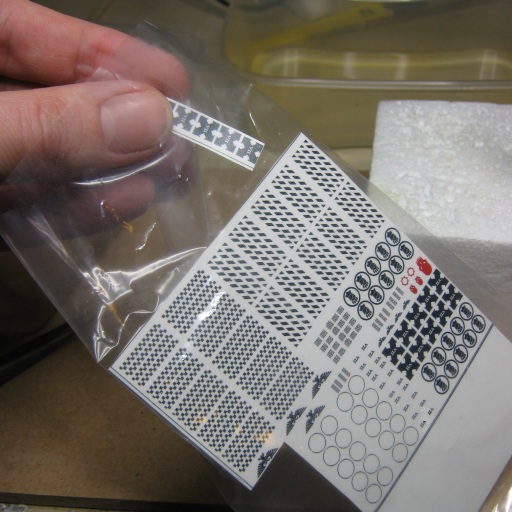
Step 2: Put the rest of the decals away. You don't want to splash them, spatter them with paint or otherwise mess with them right now. They're safest in a baggy and put aside. Honestly, don't skip this step - only have out the decals you're actually going to be immediately working with.
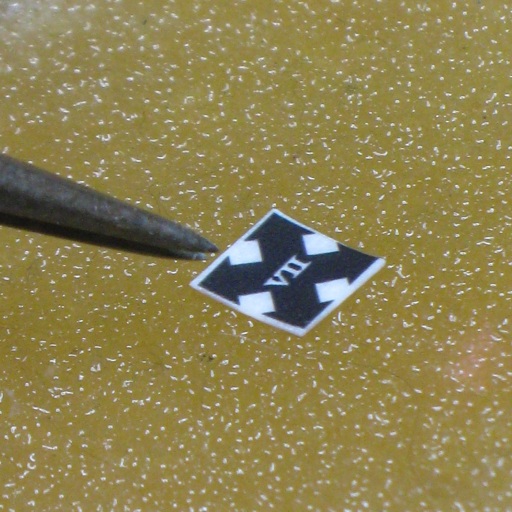
Step 3: Place the decal on your wet pallete, printed side up. The water will leech into the backing paper, loosening the decal from the other side, without running the risk of washing away your printed decal (if you possibly didn't seal it too well when printed), or washing away the adhesive. It's also a lot more controllable than having a sopping wet decal.
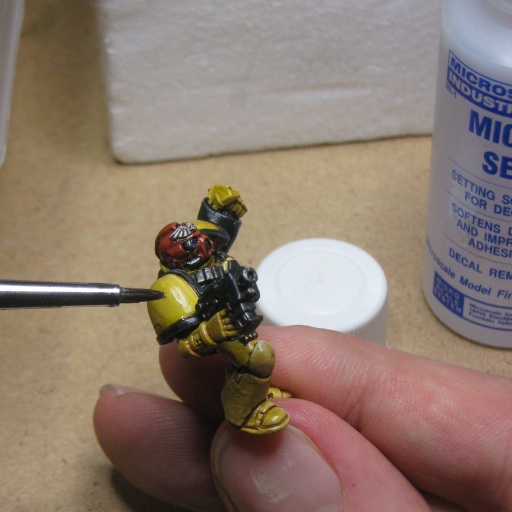
Step 4: Apply Microset to the glossed model. This stuff softens decal film (a bit), and also seems to improve adhesion. I've heard of folks using spirit vinegar, but I wouldn't know the concentration to use. For the sake of a couple of quid (UKP) this stuff lasts for ages and does the job.

Step 5: Once the decal is loose, place the decal (on its backing paper) on the model near where you want it to be. Use the tweezers (or a cocktail stick) to gently coax the decal off the backing paper onto the model. Generally, once about 50% of the decal is in contact with the model you'll be able to draw the backing paper away. Pull, don't push - pushing will cause the decal to fold, and you don't want that.

Step 6: Adjust the position of the decal so it's in the correct place. Don't worry about it sitting flush just yet, right now it just needs to be aligned correctly - here I've paid attention to the bottom edge. You can see that the top is still loose.
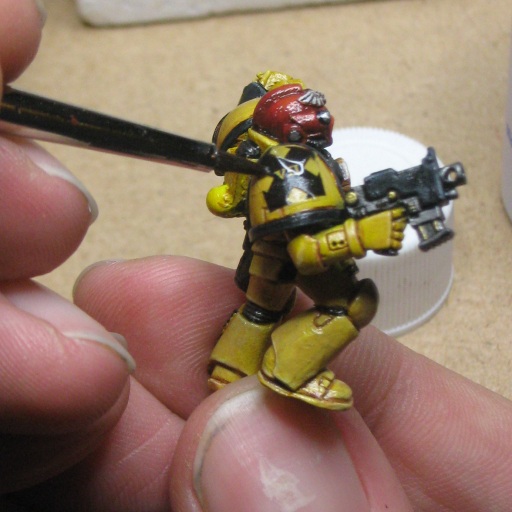
Step 7: Using the brush, start to press down with the side of the brush, rolling it slightly to start bedding the decal down. The brush will also pick up excess solution (so you'll have to dry it occasionally). The decal WILL start to fold in places on a curved surface - don't worry about this too much, just make sure you don't crease it over - it's like ironing your shirt or trousers - you work the creases to the edges. Allow the decal to rest a bit at this point, the setting solution will already be making it fragile and we now want to make sure it doesn't move.
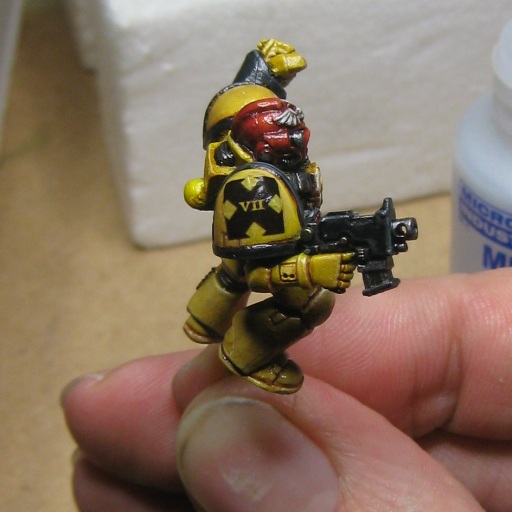
Step 8: The decal is now nearly done - just raised in a few place. Using the brush we apply a bit of MicroSol (the stronger of the two solutions). This will really soften the decal and allow us to bed it down. However, if you move the decal now it stands a really good chance of tearing. So don't. You may notice the decal crinkle a bit - this is OK, don't panic - it will settle down as the solution evaporates.
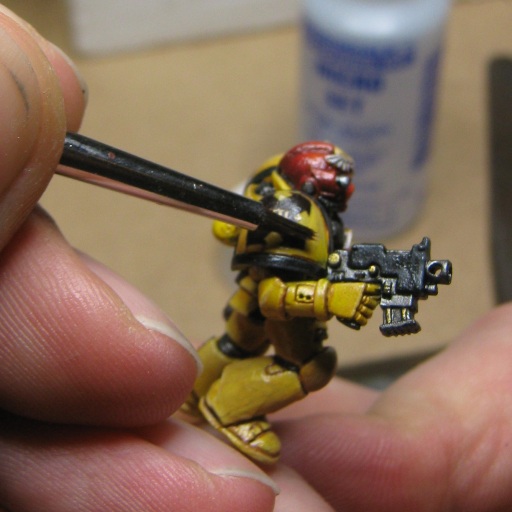
Step 9: With the brush (dry), gently press down on the decal to remove the excess solution and help the decal conform. It's pretty much a repeat of step 7, only with the stronger solution. It's really important not to move the decal at this point. Allow the decals to set. If you're not using any 2 stage decals, proceed to varnishing.
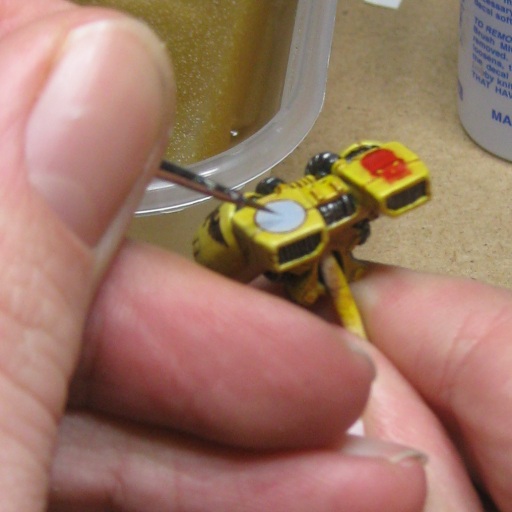
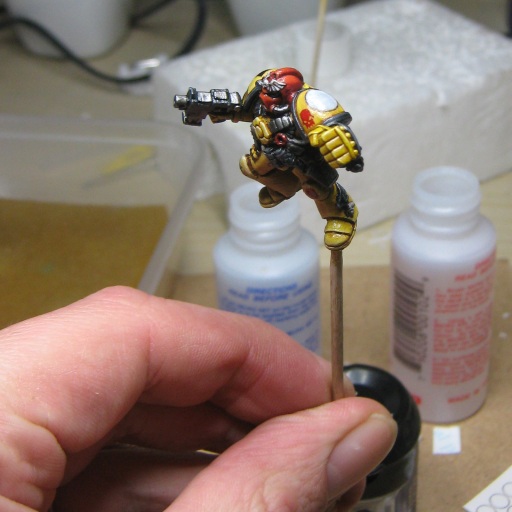
Step 10 & 11: I've used a few 2 stage decals - My IF logos don't have white on them, so the first decal I apply is a plain black ring, which I then paint in with light grey highlighted with white. I then quickly gloss again (particularly on the areas I've painted) allow that to dry, and apply the upper decal so it aligns with the black ring I put on under it.
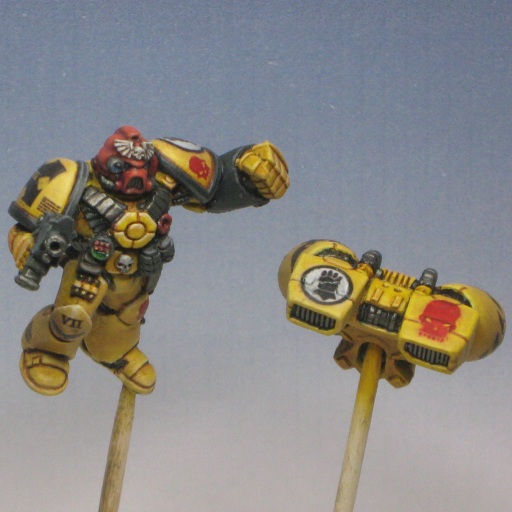
Step 12: Varnish the mini. It's a really good idea to put on a protective gloss coat to seal the decals and protect against them being rubbed off (especially home-printed decals like these). Then matt down. Job done.