Forum adverts like this one are shown to any user who is not logged in. Join us by filling out a tiny 3 field form and you will get your own, free, dakka user account which gives a good range of benefits to you:
No adverts like this in the forums anymore.
Times and dates in your local timezone.
Full tracking of what you have read so you can skip to your first unread post, easily see what has changed since you last logged in, and easily see what is new at a glance.
Email notifications for threads you want to watch closely.
Being a part of the oldest wargaming community on the net.
If you are already a member then feel free to login now.
Excellent idea! well, start with a Chaos Black background naturally, and where you want stars paint small crosses ( like this '+' ) of a deep blue, i'd use Storm Blue or Midnight Blue. Build up the colour by adding white to get a pastel shade more suitable for a star, getting steadily whiter towards the center as you see in the picture to represent the hotter core. Blending the black to the blue would be important, so take your time on that :)
I think Necron abyss is a good starting colour for the stars, and then as sphynx said, working it into white as you paint further into the star.
idolator wrote:That Nob is carrying a big honking gun that happens to have two barrels. You could call it a twin-linked shoota if you want, you could also call it Susan.
You can put some white paint on a brush and spray droplets of white onto your surface by running your thumb over the top of the bristles. This will give you a nice starfield, that you can further enhance by painting specific stars.
White paint on a brush will get you some decent results. Do you have an airbrush? That makes things pretty easy. You can get a random spattering of stars by kinking the hose, letting a bit of paint out, then quickly unkinking the hose to get a sudden burst of pressure. You can also get templates to make various patterns and sizes of larger stars like the cross ones in your example pic.
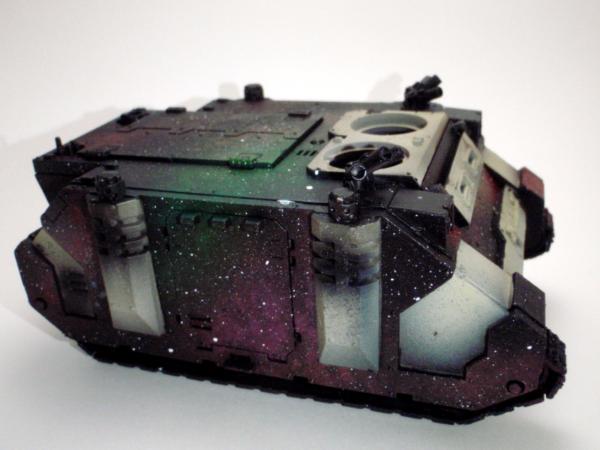
Here's one of the better tutorials I used when I worked on the rhino I experimented with these techniques on. Only the first part is really applicable, unless you want to add a bunch of planets, tie fighters, and star destroyers on to your tanks
That's how the starfield stuff turned out on my rhino. I did quite a bit of nebula stuff, and none of the individual stars, so it can definitely be tweaked to suit. That was basically my first try too, so...bit of practice and I'm sure you could do better
You can also try using a sponge or piece of foam and lightly dab thin white paint over it. It gives large star fields though, so not the best if you are going for the starry night kind of look.
This is how my monolith turned out by doing that.
I'd bet those two non-airbrush techniques could actually be combined pretty well. Sponge for nebulae/gas clouds and the denser star clusters, and the bristle-spray for more of the individual stars.
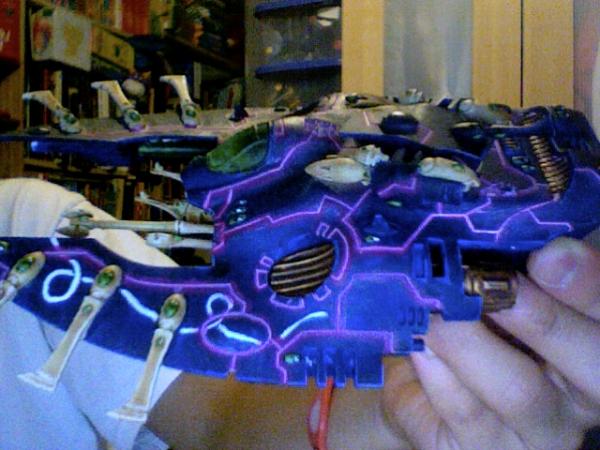
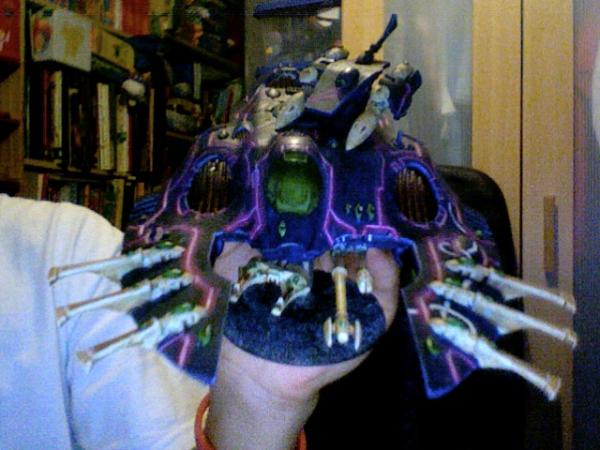
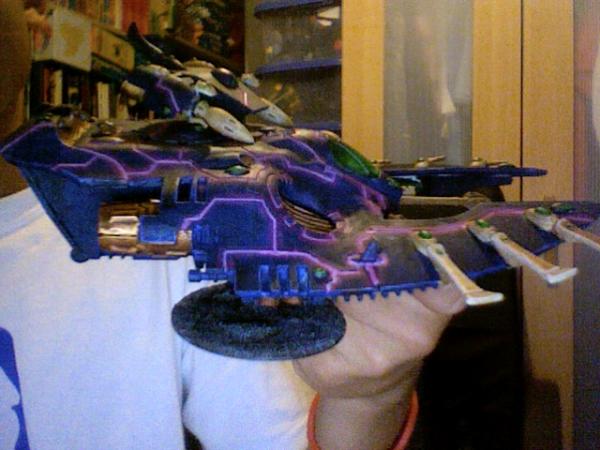
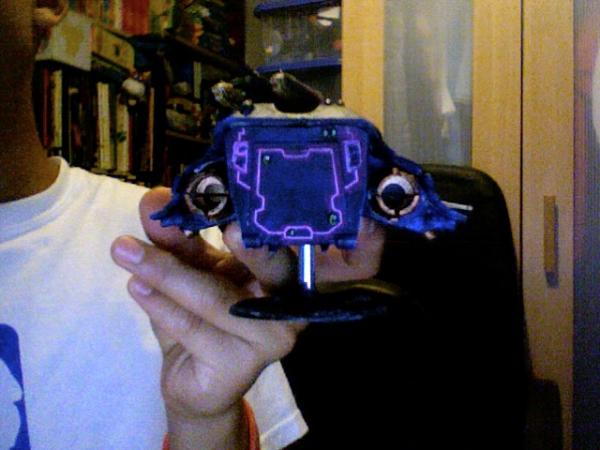
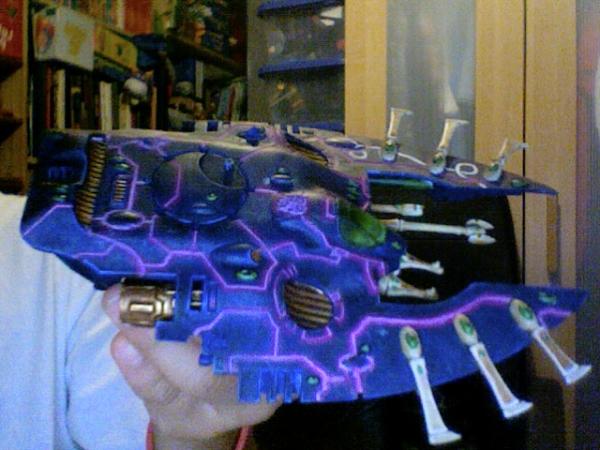
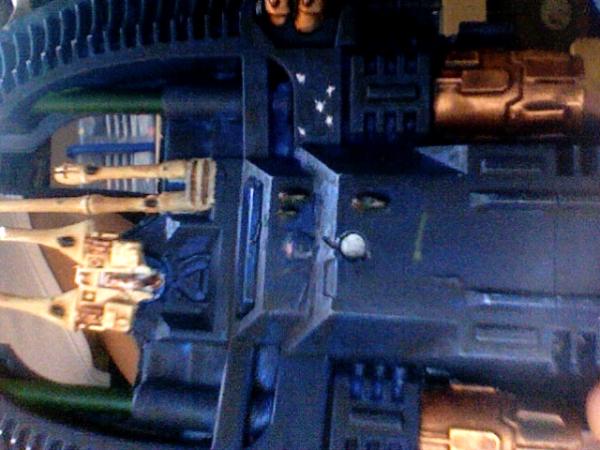
Those're both looking good, anyway. Porcupine, the purple lining's already pretty awesome, I hope the starfield doesn't make the whole thing too busy.
I would advise against using chaso black, except for in the crevices of your vehicle. black is not a color, use a super dark blue, red, purple, but not black.
Thanks again for the input. I don't think I'd be aloud to buy an airbrush as I'm only 13.
So what colours do I use on painting the stars? White? And also are there any tutorials on this?
@Zefig
I was thinking more individual stars with a few smaller stars in the background instead of whole nebulas and the like.
Do you still think I would make the tank too busy?
Eldar -3k
Angels of Deliverance -2k
Everyone check this out it's really cool:
http://www.blludog.com/


 -3k
-3k
 -2k
-2k




 Order of the Sable Heart
 Grave Knights
 House Rouen